
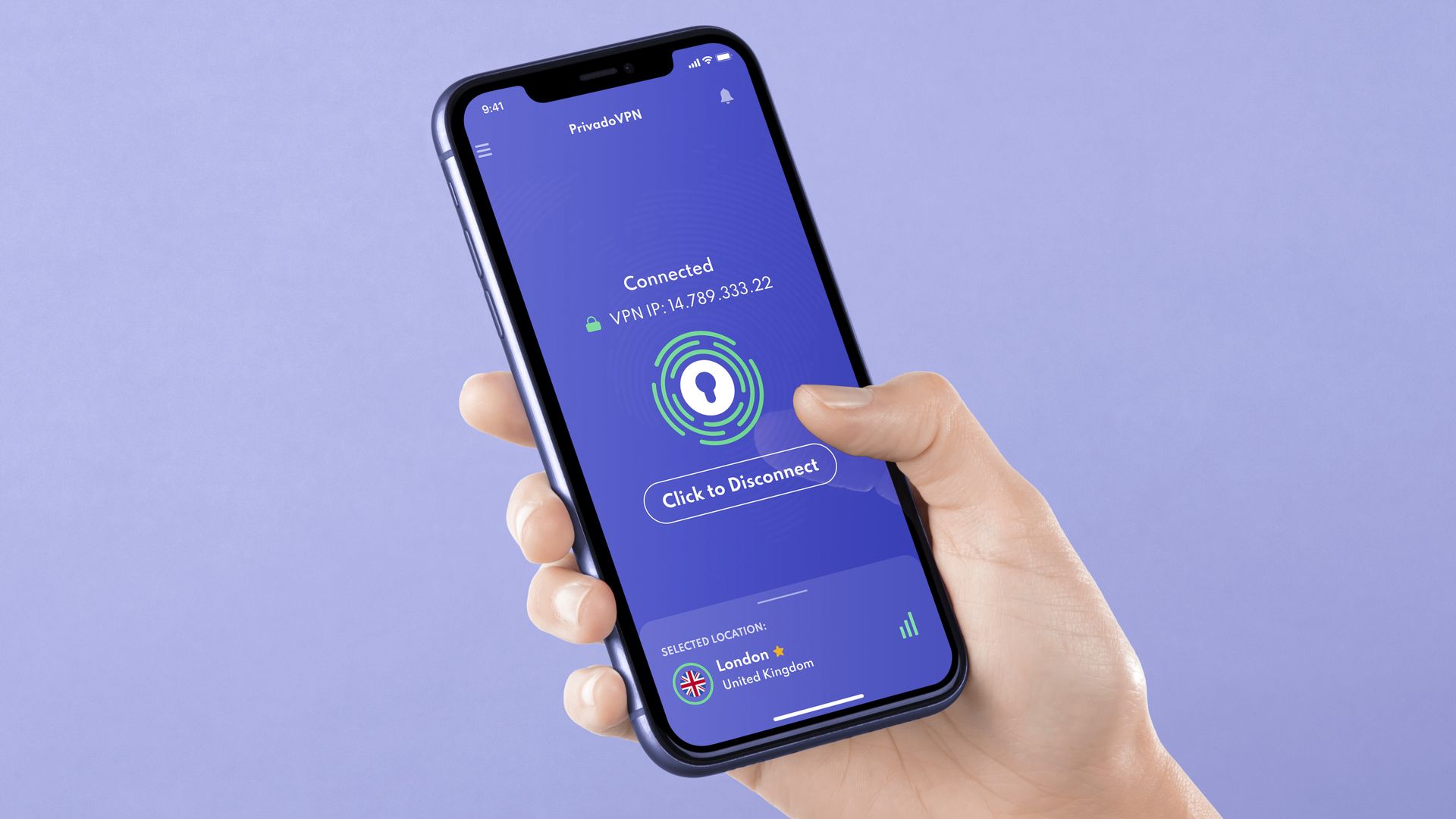
- PrivadoVPN has added SmartRoute, its multi-hop routing feature, to its iOS app in version 4.1.0.
- You can choose to double-hop only your web browsing or all of your traffic, and pick where it exits.
- The extra hop adds privacy, but there are trade-offs to weigh before leaving it on all the time.
PrivadoVPN has brought SmartRoute to iPhone and iPad in its latest iOS update, letting you route your data through two VPN servers instead of one.
Android users have had SmartRoute since the summer, when it arrived in version 4.1.13 of the Android app. This update brings iOS in line, and also adds status indicators to the main screen so you can see which features are switched on at a glance.
How PrivadoVPN's SmartRoute works
SmartRoute connects your device to an entry server first, then relays your encrypted traffic to a second server that acts as the exit point. Websites and online services only see the exit server's location and IP address.
You choose the exit location, while PrivadoVPN picks the entry server automatically based on network performance.
That's a different approach from many traditional double VPN setups, which often rely on fixed server pairs and give you less say over where your traffic leaves the network.
The point of chaining two servers is separation. As our double VPN explainer notes, a second server makes correlation and timing attacks much harder, and the exit server never sees your real IP address.
Web, all traffic, or just this once
SmartRoute's flexibility comes from its options, which are the same on iOS and Android.
All Traffic sends every app's data through both servers. This is the setting for maximum separation, such as when you're on untrusted public Wi-Fi or researching something sensitive.
Web Traffic puts only your browser traffic on the two-hop route, while other apps keep using a standard single-server VPN connection.
Exit location lets you choose the country your traffic appears to come from. That's handy if you need a specific region, but still want the fastest possible entry server.
Default or one-off is the final choice. You can make SmartRoute your default across all devices, or you can create a one-off session.
Is SmartRoute worth switching on?
For everyday use, probably not all the time. PrivadoVPN itself says a regular single-server connection is usually better when speed and low latency matter most, because the extra hop adds a routing step.
That's worth bearing in mind with Privado in particular. In our PrivadoVPN review, we measured noticeably higher latency than most rivals, and its mobile apps lagged behind its desktop clients. We also flagged that its no-logs policy hasn't been independently audited.


